Importing data into machine learning projects differs depending on how the data is delivered. For data that is split beforehand, into train, test, and validation folders, there are often subfolders, sometimes within subfolders containing data, whether it be image, audio, or video files, labels are necessary for supervised learning models. If the data is organized into labeled folders, there are a couple of methods that can be used to extract the label information from the containing folders.
First, define the paths for the data.
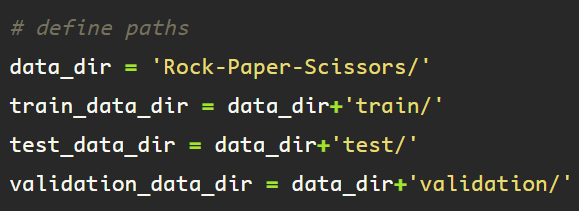
One of these methods is using the glob module. Start by importing glob, or installing it if you do not yet have it.
Glob uses unix style pattern matching to obtain pathnames. If your samples are all in the same file format, as they should be, then the glob module can be accessed and used to get pathnames in string format.
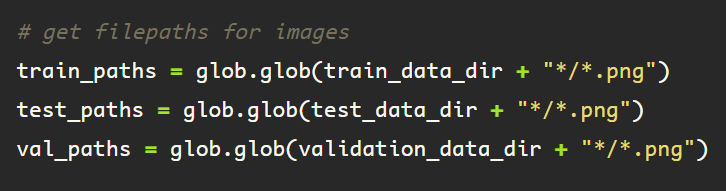
This method returns a list of the files in each of their respective directories, that end with ‘.png’, located within a subfolder, which is included in the pathname.
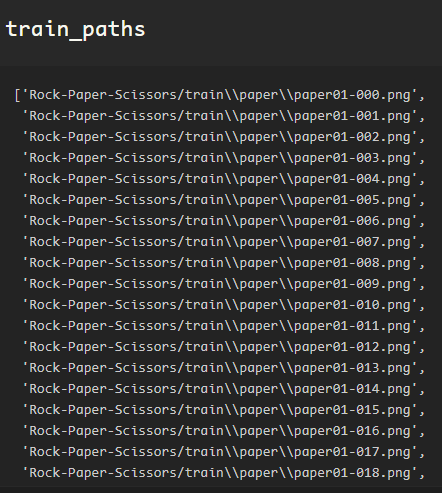
Following this method, some string manipulation to extract the subfolder label between the sets of ‘\\’ , and this will provide a list of target labels.
Another method is using os.walk, walking through the files, and string manipulation with the ‘.split()’ function


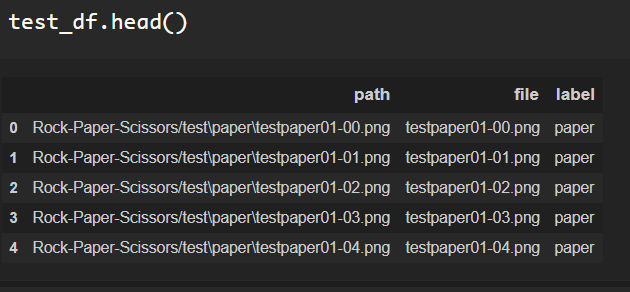
Once the file information and labels have been obtained, it’s nice to stay organized with a dataframe.
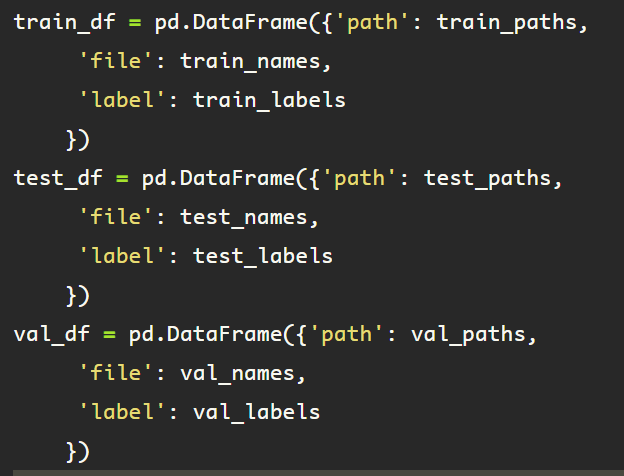
All of the data is in one place, verify the datasets by checking the length of the dataframe.

Now it’s easy to iterate through, manipulate the pathname string, or simply assign your ‘y’ variable with ‘y = test_df.label’
 Data Insights